A sensory layer for typing on your Mac
Make typing feel alive.
Mechanical keyboard personalities, expressive feedback and sounds that respond to every press.

Sound is on across the page. Click once, then type anywhere.
There it is. Durock Alpaca · PRESSonance
Live sound engine
The page is the instrument.
Click once to wake the audio, then use your physical keyboard. Hold a key to keep it down; release it to hear the switch return.
We even recorded the way the key comes back up.
Feel presets
How do you want typing to feel today?
One click sets switch, volume, variation and echo. Change anything after and it becomes Custom — the preset stays intact.
Nine switch personalities
Change switches without changing keyboards.
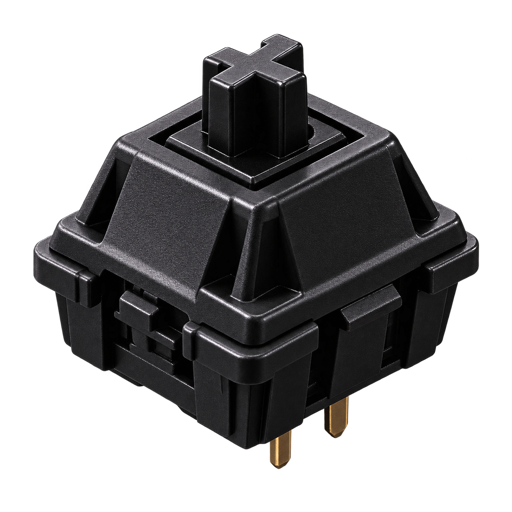
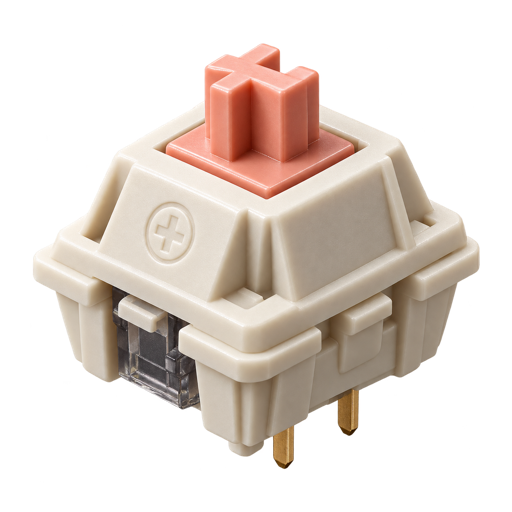
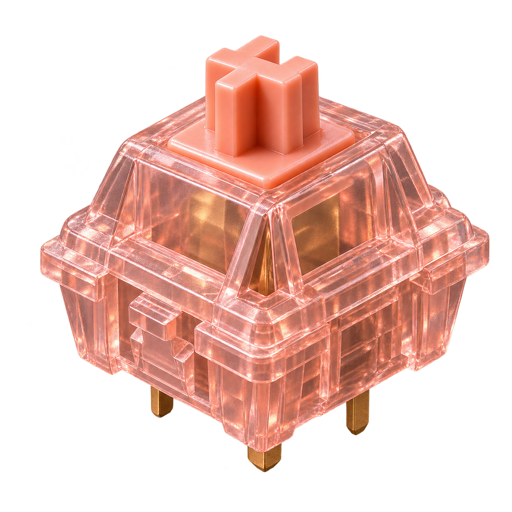
Eight recorded keyboard personalities plus one synthesized Bubble Pop profile, each with its own downstroke, release and special-key character. Pick one and the rest of this page starts sounding like it.
KNOCK
Durock Alpaca
A low-bodied knock with a bright leading edge and a dark, soft return.
CLICK TO SELECT + PREVIEW · EACH PREVIEW PLAYS HELLO → SPACE → ENTER
Sometimes your words answer back.
WordEcho can quietly speak completed words or sentences while you write — without sending your typing anywhere.
Maybe the best writing tools disappear while you use them.
SENTENCE ECHO WAITS 250–400MS AFTER THE FINAL KEY SO THE SWITCH SOUND RESOLVES FIRST.
Your rhythm
Try your keyboard.
Not a typing test. Just your own rhythm, your special keys, the switch you picked and whatever Echo you left on.
- Feel
- Custom
- Switch
- Durock Alpaca
- Volume
- 58%
- Keys pressed
- 0
Your typing stays on your Mac.
PRESSonance processes keyboard feedback locally. Your words aren't stored or sent to a server, and Secure Input immediately clears everything pending.
Available on the Mac App Store
Give your keyboard some PRESSonance.

REQUIRES MACOS 14 · FREE 7-DAY TRIAL · ONE-TIME LIFETIME UNLOCK
ONE MORE, FOR THE ROAD.